<?php
/**
 * index.php
 *
 * @package default
 */

define('ABSPATH', 'Solar');

include_once 'solardb.php';
include_once 'solarsqllib.php';
include_once 'solarlib.php';


?>
<html>
<head>

	<meta charset="UTF-8" />
	<meta name="viewport" content="width=device-width, initial-scale=1" />
    <meta http-equiv="expires" content="0" /> 
	<meta http-equiv="refresh" content="60" />
	<meta http-equiv="cache-control" content="no-cache" />
	<meta http-equiv="pragma" content="no-cache" />
	<link rel="stylesheet" type="text/css" href="css/style.css" />
	
    <title>Solarkraftwerk</title>

</head>

<body>
<div id="header" class="page-header">
    <h1>Solarkraftwerk</h1>
</div>

<div id="tables" >
<?php

    StationList();
    SolarReport();

    $mysqli->close();    
    
?>
</div>

<main class="container">

<section class="chart">
    <div id="r-output1" class="diagram" >
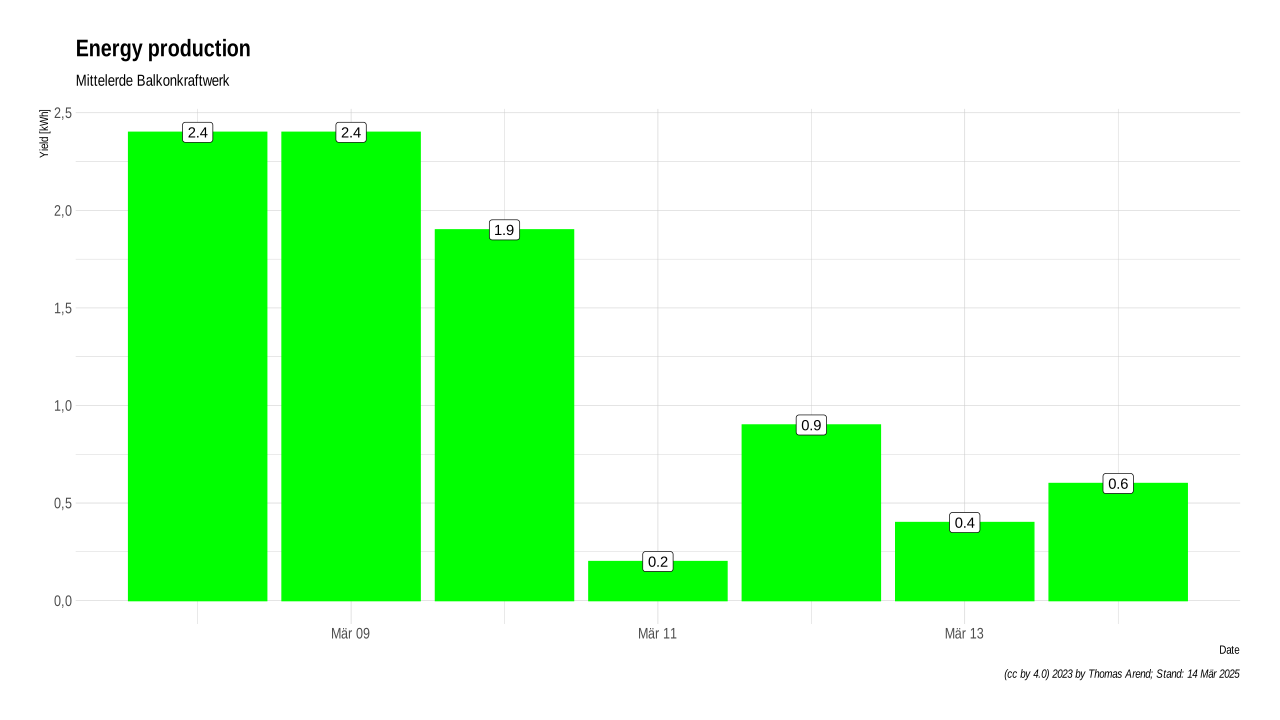
    <img src="png/yield_per_day.svg" alt="R Graph" />
    </div>
</section>

<section class="chart">
    <div id="r-output2" class="diagram" >
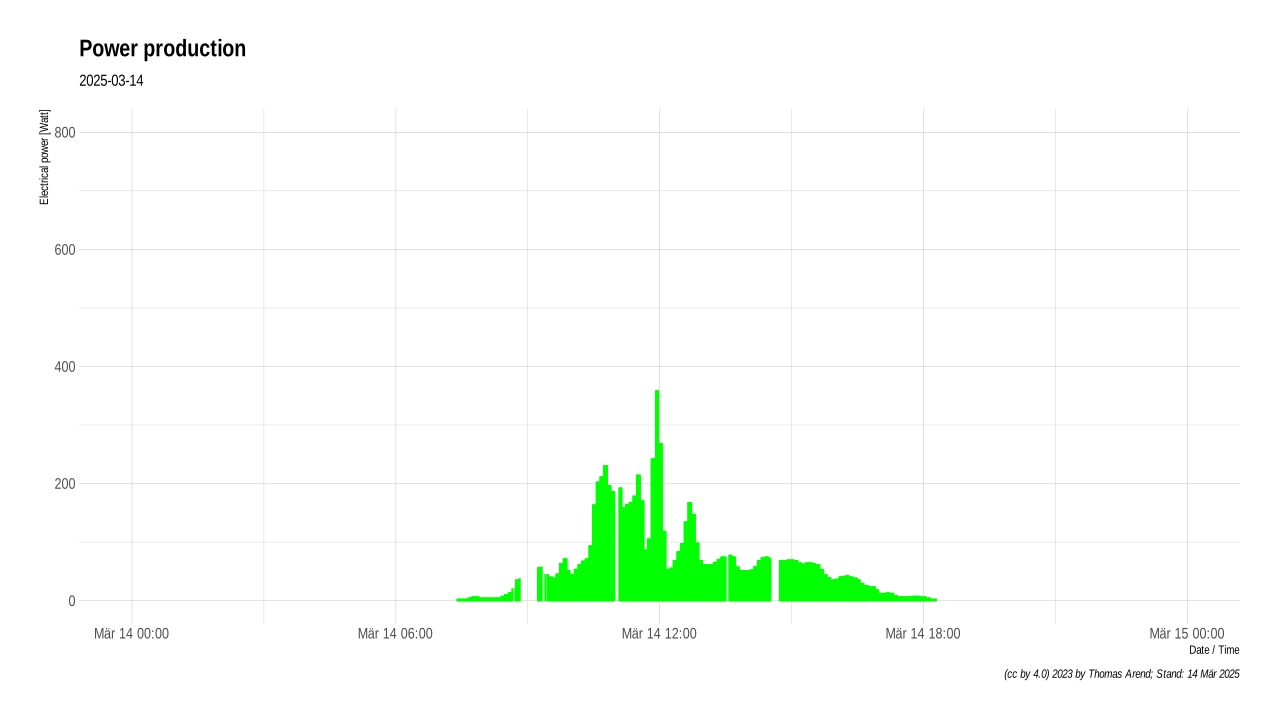
    <img src="png/power.svg" alt="R Graph" />
    </div>
</section>

<section class="chart">
    <div id="r-output3" class="diagram" >
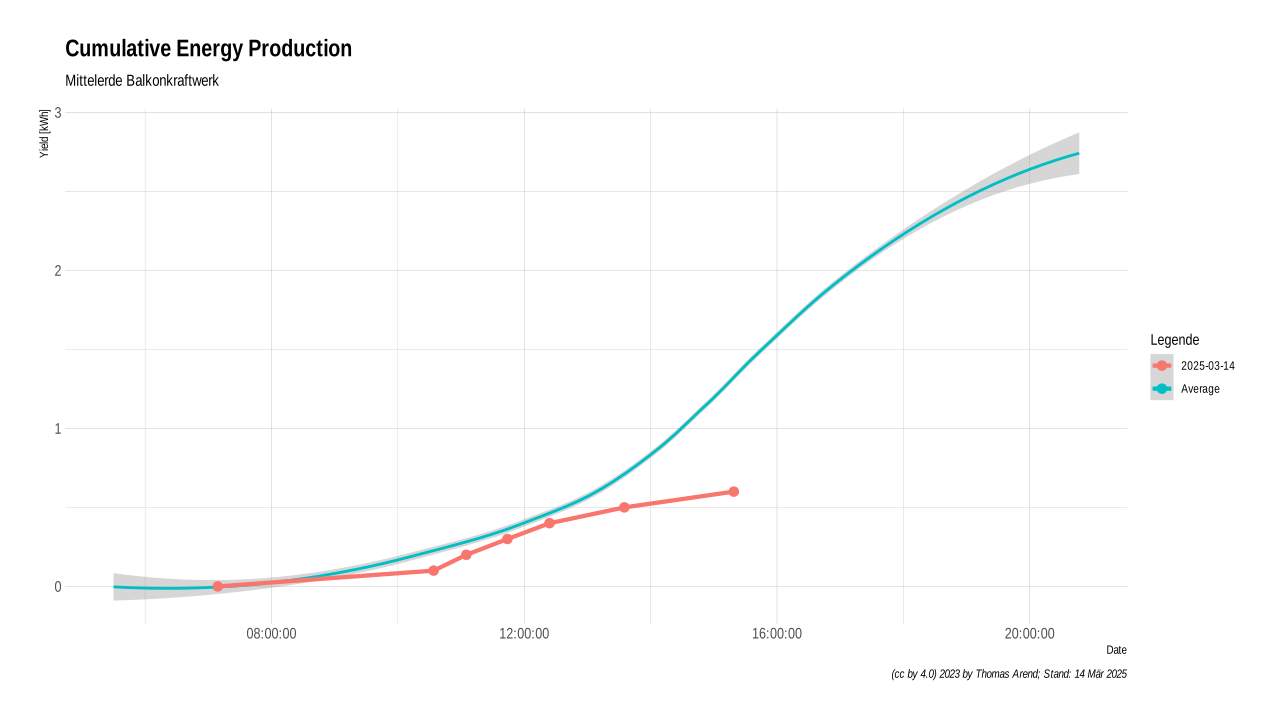
    <img src="png/yield.svg" alt="R Graph" />
    </div>
</section>

<!-- Add mor charts  -->


</main>

    <script>        
        // Use an off-screen image to load the next frame.
        var img = new Image();

        // When it is loaded...
        img.addEventListener("load", function() {

            // Set the on-screen image to the same source. This should be instant because
            // it is already loaded.
            document.getElementById("r-output1").src = img.src;

            // Schedule loading the next frame.
            setTimeout(function() {
                img.src = "png/power.svg?"+ (new Date).getTime()
            }, 60000); // every minute
        })

        // Start the loading process.
        img.src = "png/power.svg?"+ (new Date).getTime();
    </script>

    
</body>
</html>